
Mobile apps have become an important part of everyday life. People use apps to communicate, manage tasks, shop, learn, travel, stay organized, entertain themselves, and much more. However, many users only use the basic functions of their favorite apps and never explore the features that could make daily activities easier.
The good news is that you do not need to be a technology expert to get more from your apps. Simple app tips and smart hacks can help you save time, reduce unnecessary steps, improve privacy, and keep your phone more organized.
This guide explores useful app hacks that can make everyday mobile use faster, easier, and more convenient.
1. Organize Your Apps Properly
A cluttered phone can make even simple tasks frustrating. If you have dozens of apps spread across multiple screens, finding the right one can take unnecessary time.
Start by grouping apps according to their purpose. You can create folders for categories such as communication, finance, shopping, travel, work, education, entertainment, and utilities.
Keep the apps you use most often on your main screen. Less frequently used apps can be moved to other screens or organized into folders.
This simple change can make your phone feel cleaner and help you find important apps much faster.
2. Explore App Settings
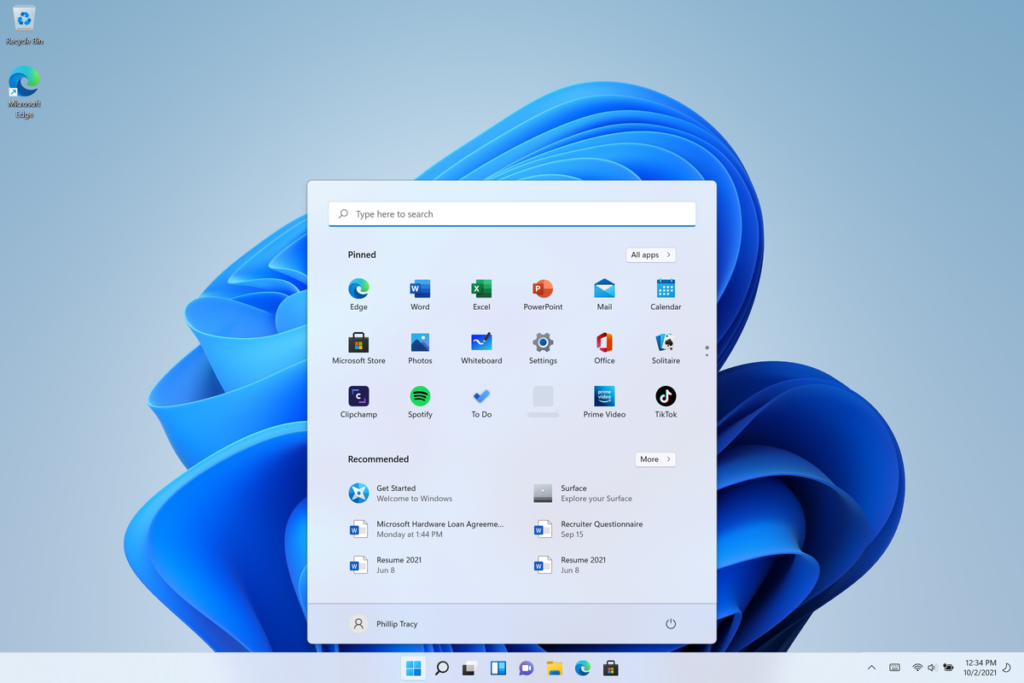
One of the easiest app hacks is also one of the most overlooked: check the settings.
Many apps offer useful options that are disabled or overlooked by default. Depending on the app, you may find settings for notifications, appearance, privacy, downloads, data usage, automatic updates, and account management.
Spend a few minutes exploring the settings of the apps you use regularly. You may discover features that make the app more comfortable and useful.
For example, you might be able to reduce unnecessary notifications, change how content is displayed, or customize how the app behaves.
3. Turn Off Unnecessary Notifications
Notifications can quickly become distracting. If every app sends alerts throughout the day, it becomes difficult to focus on work, study, or other important activities.
Review your notification settings and disable alerts that you do not really need.
Keep important notifications, such as messages, appointments, reminders, and security alerts. For less important apps, consider turning notifications off completely or limiting them.
Reducing notification clutter can improve concentration and make your phone less distracting.
4. Use Search Features
Many apps have powerful search tools that users do not take full advantage of.
Instead of scrolling through long lists, conversations, files, products, or settings, try using the search function. A good search tool can often locate what you need in seconds.
Search can be especially useful in messaging, email, cloud storage, shopping, note-taking, and productivity apps.
Learning a few search keywords or filters can make finding information much easier.
5. Use Widgets for Quick Access
Widgets can provide useful information without requiring you to open an app.
Depending on your device and available apps, you may be able to add widgets for weather, calendars, reminders, notes, news, fitness information, or other frequently used services.
Place useful widgets on your home screen so important information is available at a glance.
The goal is not to fill your screen with widgets. Choose only the ones that genuinely save you time.
6. Take Advantage of Built-In Shortcuts
Many mobile apps and operating systems include shortcuts that allow you to perform common actions quickly.
For example, pressing and holding an app icon may reveal shortcuts to frequently used functions. Some apps also support gestures, quick actions, or shortcut menus.
Explore these options for apps you use every day. A few seconds saved repeatedly can add up to a significant amount of time over the course of a week.
7. Use Dark Mode When Comfortable
Dark mode changes the appearance of compatible apps and can provide a more comfortable viewing experience in darker environments.
It is particularly useful when using your phone at night or in low-light conditions.
Many apps allow you to choose between light mode, dark mode, or automatic settings. Try the available options and select the one that feels most comfortable for your eyes and environment.
8. Keep Apps Updated
Updating apps is an important part of maintaining a smooth mobile experience.
Updates can introduce new features, improve performance, fix bugs, and address security problems. Although automatic updates can be convenient, it is still useful to occasionally check whether your apps are receiving updates normally.
If your phone has limited storage, review your installed apps regularly and remove applications you no longer use.
A clean and updated app collection can help keep your device running efficiently.
9. Review App Permissions

Privacy is another important part of smart app usage.
Apps may request access to information or features such as your location, camera, microphone, contacts, photos, or files. Not every app needs continuous access to everything.
Review the permissions granted to your apps and consider whether each permission is necessary.
For example, an app that does not need your location to perform its main function may not require continuous location access.
Checking permissions regularly can give you greater control over your personal information.
10. Use Built-In Storage Tools
Storage problems can make your phone slower and prevent you from installing new apps or downloading files.
Most modern devices provide tools that show which apps and files are taking up the most space.
Check your storage occasionally and remove unnecessary downloads, duplicate files, old videos, and apps you no longer use.
Some apps also store temporary files or cached data. Clearing unnecessary data, where appropriate, can help free up storage.
However, avoid deleting important files or app data unless you understand what will be removed.
11. Use Apps for Better Time Management
Apps can make daily planning much easier when used correctly.
A calendar app can help you remember appointments and important dates. A task manager can organize work into manageable steps. Notes apps can store ideas, shopping lists, reminders, and information you need later.
Instead of downloading many productivity apps, choose a small number that match your needs.
The best productivity system is usually the one you can use consistently.
12. Make Better Use of Password Managers
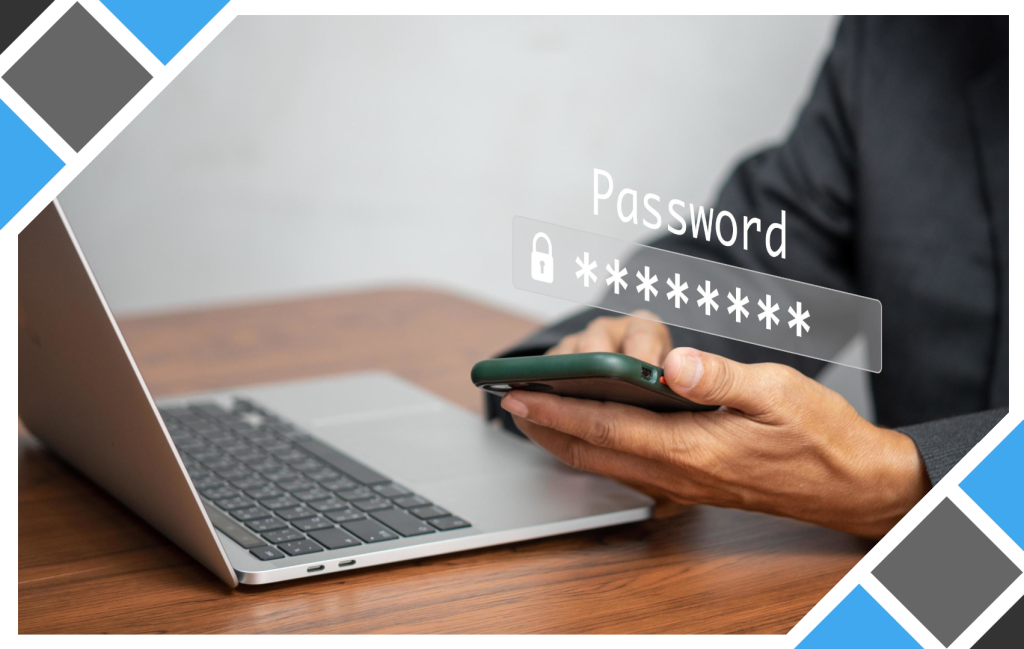
Remembering passwords for numerous accounts can be difficult and unsafe if you use the same password everywhere.
A trusted password manager can help you store strong, unique passwords and reduce the need to remember every login manually.
Where available, enable additional security features such as two-step verification or passkeys.
Avoid saving sensitive login details in random notes or unsecured files. Good account security starts with strong and unique credentials.
13. Use Offline Features
Not every useful app feature requires an internet connection.
Some apps allow you to download maps, documents, music, educational materials, or other content for offline use.
Offline features can be especially useful when traveling, commuting, or dealing with unreliable internet access.
Before leaving home, check whether important information can be downloaded in advance.
14. Reduce Mobile Data Usage
If you have a limited mobile data plan, a few simple settings can help reduce unnecessary usage.
Check which apps consume the most data and restrict background data for apps that do not need to stay connected constantly.
You can also use Wi-Fi for large downloads and updates whenever practical.
Reviewing data usage regularly helps you understand where your data is going and prevents unexpected consumption.
15. Be Careful With Free Apps
Free does not always mean risk-free.
Before installing an unfamiliar app, check its permissions, privacy information, reviews, developer details, and overall reputation.
Avoid downloading apps from suspicious sources or installing files from websites you do not trust.
If an app requests access to information that seems unrelated to its purpose, consider whether you really need it.
A few minutes of checking can help protect your device and personal information.
16. Use App Search Instead of Scrolling
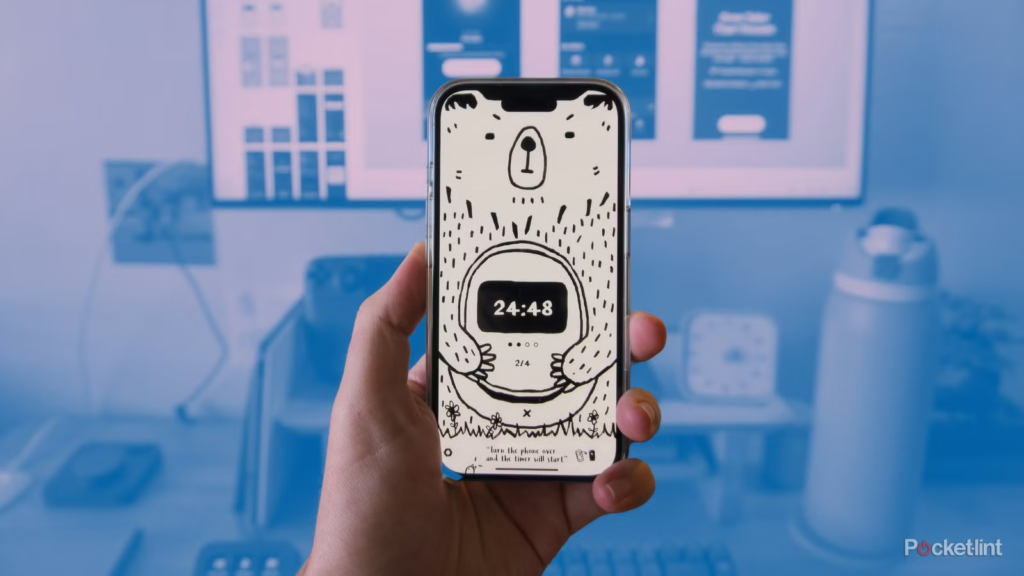
If your phone has a built-in app search function, use it.
Rather than swiping through several screens to find an app, type its name into the search field. This can be especially useful when you have many applications installed.
You can also use search to quickly access settings, contacts, documents, and other information depending on your device.
This is one of the simplest habits that can noticeably improve everyday phone use.
17. Delete Apps You No Longer Use
Many people install apps for a specific purpose and then forget about them.
Unused apps take up storage and can sometimes continue sending notifications or using background resources.
Every few months, review your app list and remove anything you no longer need.
Before deleting an app, make sure important information is backed up or synced if necessary.
18. Create a Simple Digital Routine
The most useful app hacks are not always complicated tricks. Sometimes, the best improvement comes from creating a simple routine.
At the beginning or end of each day, check your calendar, review important tasks, clear unnecessary notifications, and organize new files or notes.
You can also set aside a few minutes each week to review apps, permissions, storage, and subscriptions.
A small amount of regular maintenance can prevent digital clutter from becoming overwhelming.
FAQ’s
1. What are app hacks?
App hacks are simple tips and tricks that help you use apps more efficiently.
2. How can app tips save time?
Shortcuts, search tools, widgets, and quick settings can reduce unnecessary steps.
3. Should I update my apps regularly?
Yes. Updates can improve performance, add features, and fix security issues.
4. How can I improve app privacy?
Review app permissions and only allow access that is necessary.
5. How can I keep my apps organized?
Remove unused apps and group frequently used apps into folders.