
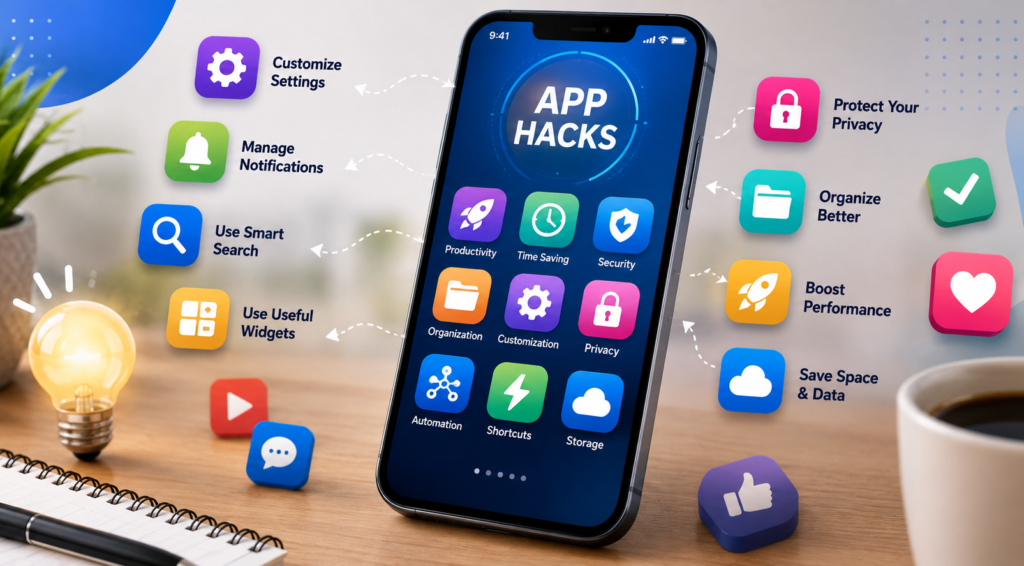
Apps have become an important part of everyday life. We use them to communicate, work, shop, learn, manage finances, travel, exercise, entertain ourselves, and stay organized. But many people use only the basic features of the apps they have installed.
Most modern apps offer useful settings, shortcuts, customization options, and hidden features that can make everyday tasks faster and easier. Learning a few simple app hacks can help you save time, improve productivity, and get more value from the tools you already use.
You do not need to be a technology expert. A few small changes to your app habits can make a noticeable difference.
What Are App Hacks?
App hacks are simple tips, tricks, shortcuts, settings, or techniques that help you use an app more effectively.
They are not necessarily complicated tricks. Sometimes an app hack is as simple as changing a notification setting, using a keyboard shortcut, organizing your home screen, or discovering a feature hidden inside a menu.
The goal is to make apps work better for your needs.
Keep Your Apps Updated
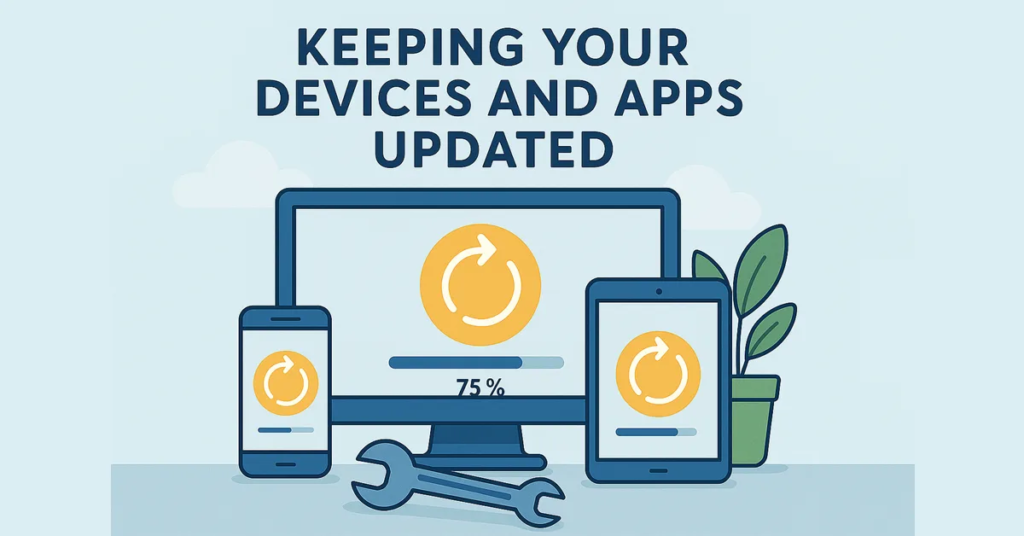
One of the easiest app tips is also one of the most important: keep your apps updated.
Updates can introduce new features, improve performance, fix bugs, and address security problems.
Some updates also improve compatibility with newer operating systems and devices.
If you have automatic updates enabled, check occasionally that they are working correctly. If you update apps manually, review available updates regularly.
Customize Notifications
Notifications can be helpful, but too many alerts can become distracting.
Review which notifications you actually need.
For example, you may want important messages and account alerts while disabling promotional notifications.
Many apps allow you to customize notification categories individually.
A cleaner notification system can help you focus without missing important updates.
Use Search Instead of Scrolling
If an app contains a lot of content, searching can often be much faster than scrolling.
Use search features to find messages, files, products, settings, videos, documents, or other information.
Some apps also support filters or advanced search options.
Learning a few useful search terms can significantly reduce the time you spend looking for information.
Learn Keyboard Shortcuts
If you use apps on a computer, keyboard shortcuts can save considerable time.
Common actions such as copying, pasting, searching, opening tabs, saving, and undoing changes often have keyboard shortcuts.
Many productivity and editing applications also provide their own specialized shortcuts.
Learning just a few shortcuts for the apps you use most can improve your workflow.
Organize Your Home Screen
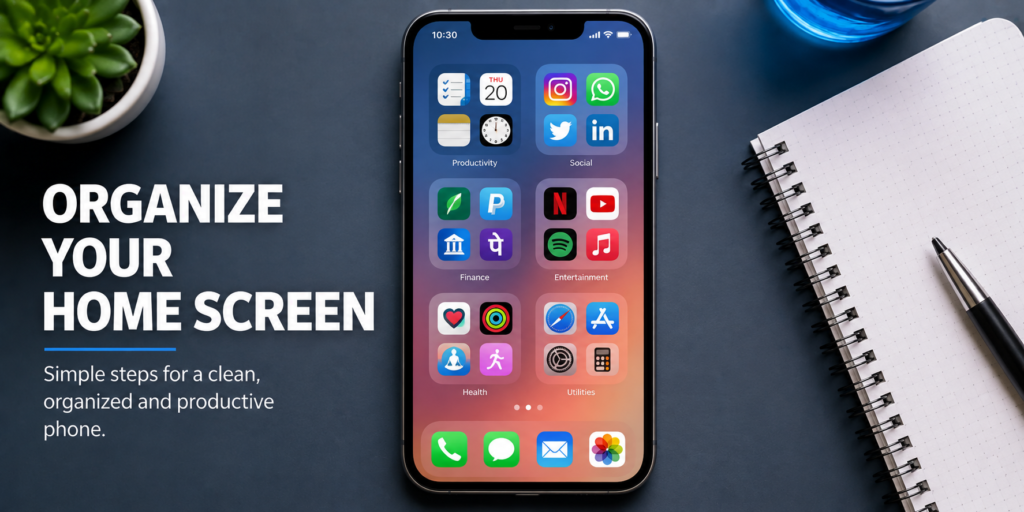
A cluttered home screen can make it harder to find the apps you need.
Group similar apps into folders or place frequently used apps in convenient locations.
For example, you could create folders for:
- Work
- Finance
- Shopping
- Travel
- Health
- Entertainment
- Education
Keep the apps you use most frequently easily accessible.
A simple home screen can make your phone feel more organized.
Remove Apps You No Longer Use
Unused apps take up storage and can sometimes continue sending notifications or using background resources.
Review your installed apps periodically.
If you have not used an app for a long time and do not need it, consider removing it.
Before deleting an app, make sure important information is backed up or synchronized if necessary.
Manage App Permissions
Apps may request access to your camera, microphone, location, contacts, photos, files, or other device features.
Review these permissions regularly.
Ask yourself whether the permission is necessary for the app’s main purpose.
For example, a navigation app may reasonably need location access, while a simple calculator may not require access to your contacts.
Managing permissions can improve privacy and give you more control over your information.
Use Built-In Accessibility Features
Accessibility tools are useful for many people, not just users with disabilities.
Depending on your device and app, features may include:
- Larger text
- Screen readers
- Captions
- Voice controls
- Magnification
- Reduced motion
- High-contrast options
- Custom display settings
Explore the accessibility settings on your device and inside frequently used apps.
You may find features that make apps easier and more comfortable to use.
Use Dark Mode When Appropriate
Many phones and apps offer dark mode.
Dark mode changes the appearance of the interface and can be more comfortable for some users, especially in darker environments.
It can also reduce screen brightness and create a different visual experience.
However, dark mode is a preference rather than a universal solution. Choose the display setting that feels most comfortable for you.
Save Important Content
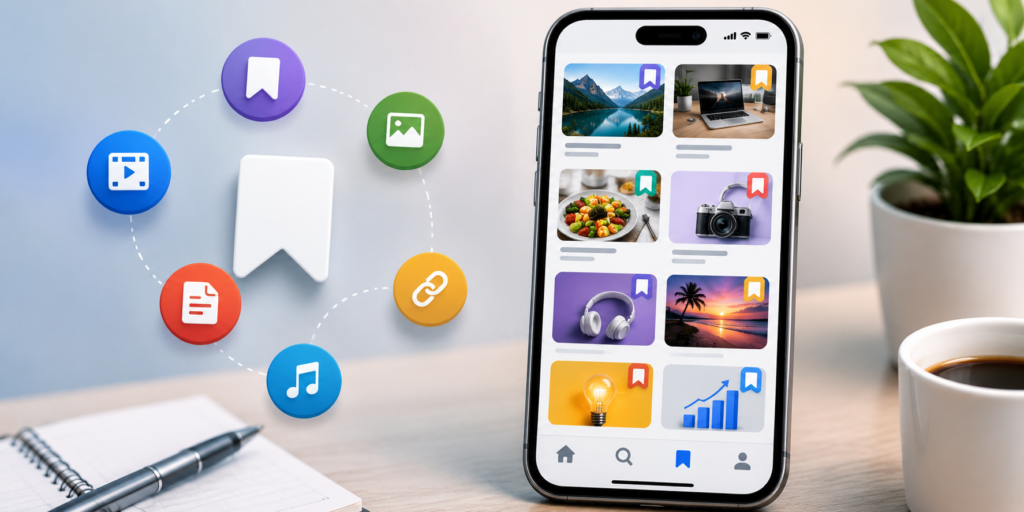
Some apps allow you to save or bookmark content.
Use these features to organize information you want to revisit later.
Instead of repeatedly searching for useful articles, videos, products, or documents, save them in an appropriate collection or folder.
This is especially helpful for research, shopping, learning, and work.
Use Cloud Sync
Cloud synchronization allows information to stay updated across supported devices.
For example, notes created on a phone may become available on a computer or tablet.
Cloud sync can make it easier to move between devices.
Before relying on synchronization, check what information is actually being backed up and whether the service provides appropriate privacy and security controls.
Clear Unnecessary Storage
Apps can accumulate temporary files, downloads, cached data, and other stored information.
If your device is running low on storage, check which apps and files are using the most space.
Some apps provide built-in storage management tools.
Be careful when clearing app data because it may remove saved information, downloaded files, or account settings.
Use App Widgets
Widgets can provide useful information without requiring you to open an app.
Depending on the device, widgets may display calendars, weather, reminders, notes, tasks, or other information.
Choose widgets that genuinely save time.
Too many widgets can make a home screen crowded and may reduce the simplicity they are supposed to provide.
Take Advantage of Automation
Some apps and devices support automation.
Automation can perform repetitive actions based on specific conditions.
For example, an automation might activate certain settings at a particular time or trigger an action when you arrive at a location.
Automation is especially useful for repetitive tasks.
Start with simple routines and expand them as you become comfortable.
Use Voice Feature
Voice input can be useful when typing is inconvenient.
Many smartphones and apps support voice typing, voice commands, or voice search.
Voice features can help with messages, notes, searches, reminders, and accessibility.
Review privacy settings before using voice-based features and understand how the service handles voice data.
Make Apps Work Together
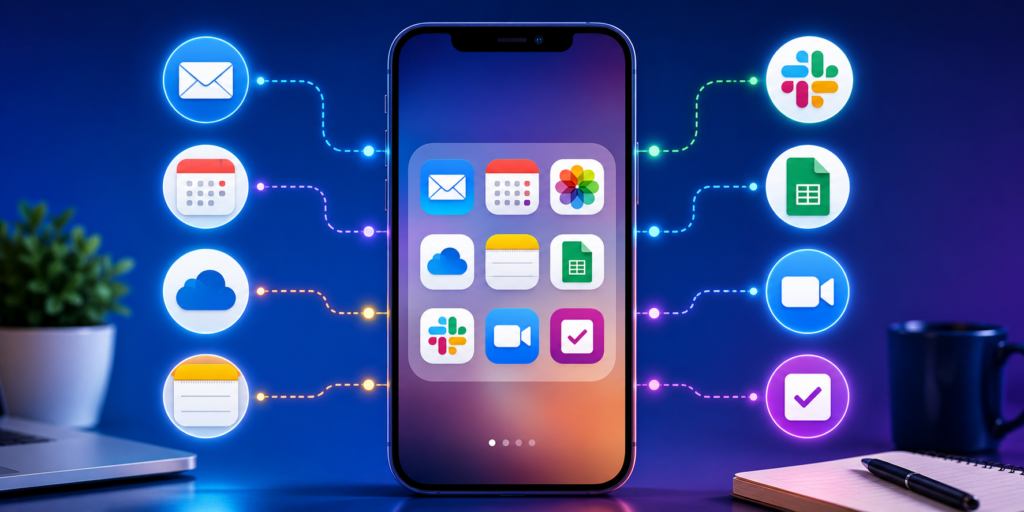
Some apps can connect with other services.
For example, a calendar application may connect with email, task management, or video conferencing tools.
Integrations can reduce repetitive work by allowing information to move between services.
However, only connect services you trust and review the permissions requested by each integration.
Protect Your Accounts
Good app usage also includes good security habits.
Use strong, unique passwords for important accounts.
Where available, enable multi-factor authentication.
Avoid entering login information through suspicious links or unfamiliar websites.
Keep your operating system and apps updated.
These simple steps can reduce the risk of account compromise.
Review Your Privacy Settings
Privacy settings can change over time as apps introduce new features.
Review them periodically.
Check location access, advertising preferences, data-sharing settings, contacts access, camera permissions, microphone access, and other sensitive permissions.
Understanding your settings helps you make informed decisions about what information you share.
Be Careful With Free Apps
Free apps can be useful, but free does not always mean there are no costs.
Some applications may include advertising, subscriptions, in-app purchases, or data collection.
Before installing an unfamiliar app, review its developer information, permissions, privacy policy, ratings, and recent reviews.
Download apps from trusted sources whenever possible.
Use Offline Features
Some apps allow users to download content for offline use.
This can be useful when traveling, commuting, or dealing with limited internet access.
Examples may include offline maps, downloaded music, saved documents, and offline reading.
Check the app’s settings to see whether offline access is available.
Make Travel Apps More Useful
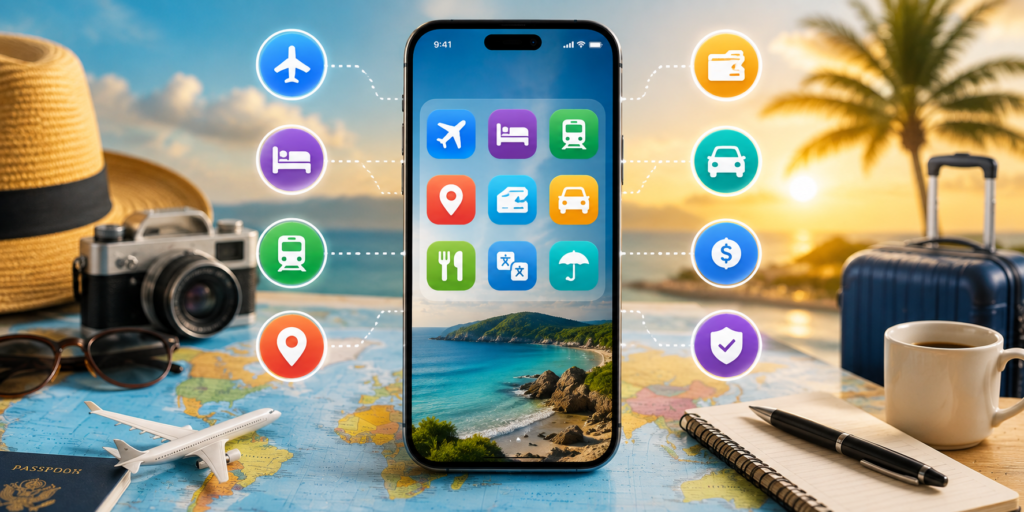
You may be able to save reservations, download maps, track schedules, organize itineraries, or receive alerts.You may be able to save reservations, download maps, track schedules, organize itineraries, or receive alerts.
Before a trip, explore the app and download important information if offline access is available.
This can make travel easier when internet access is limited.
Improve Your Shopping Apps
Shopping apps can also become more useful with a few simple habits.
Use wish lists to save products for later.
Compare prices and specifications before purchasing.
Review return policies, shipping information, and customer feedback.
Turn off promotional notifications if they become distracting.
Do not feel pressured to buy simply because an app sends a limited-time notification.
Make Learning Apps More Effective
Learning apps often include features such as bookmarks, progress tracking, reminders, quizzes, and offline lessons.
Use these tools to create a consistent learning routine.
Instead of trying to complete everything at once, use reminders and short sessions to build a sustainable habit.
FAQ’s
1. What are app hacks?
App hacks are simple tips, shortcuts, settings, or hidden features that help you use apps more efficiently.
2. How can I get more from my apps?
Explore app settings, use shortcuts, customize notifications, and learn useful features you may not currently use.
3. Are app hacks safe to use?
Generally, yes, when they use legitimate built-in features. Avoid unofficial modifications or apps from untrusted sources.
4. How can I improve app privacy?
Review app permissions, limit unnecessary access, use strong passwords, and enable multi-factor authentication when available.
5. Can app hacks save time?
Yes. Shortcuts, automation, saved preferences, widgets, and integrations can reduce repetitive tasks and improve productivity.